Turnover and profit are different things
Business owners often measure their business by sales turnover. But a business can make a loss even with high turnover: cost of goods, discounts and expenses take up a large share of sales. The profit and loss report answers exactly this question: what did the business earn in the selected period?
What the report shows
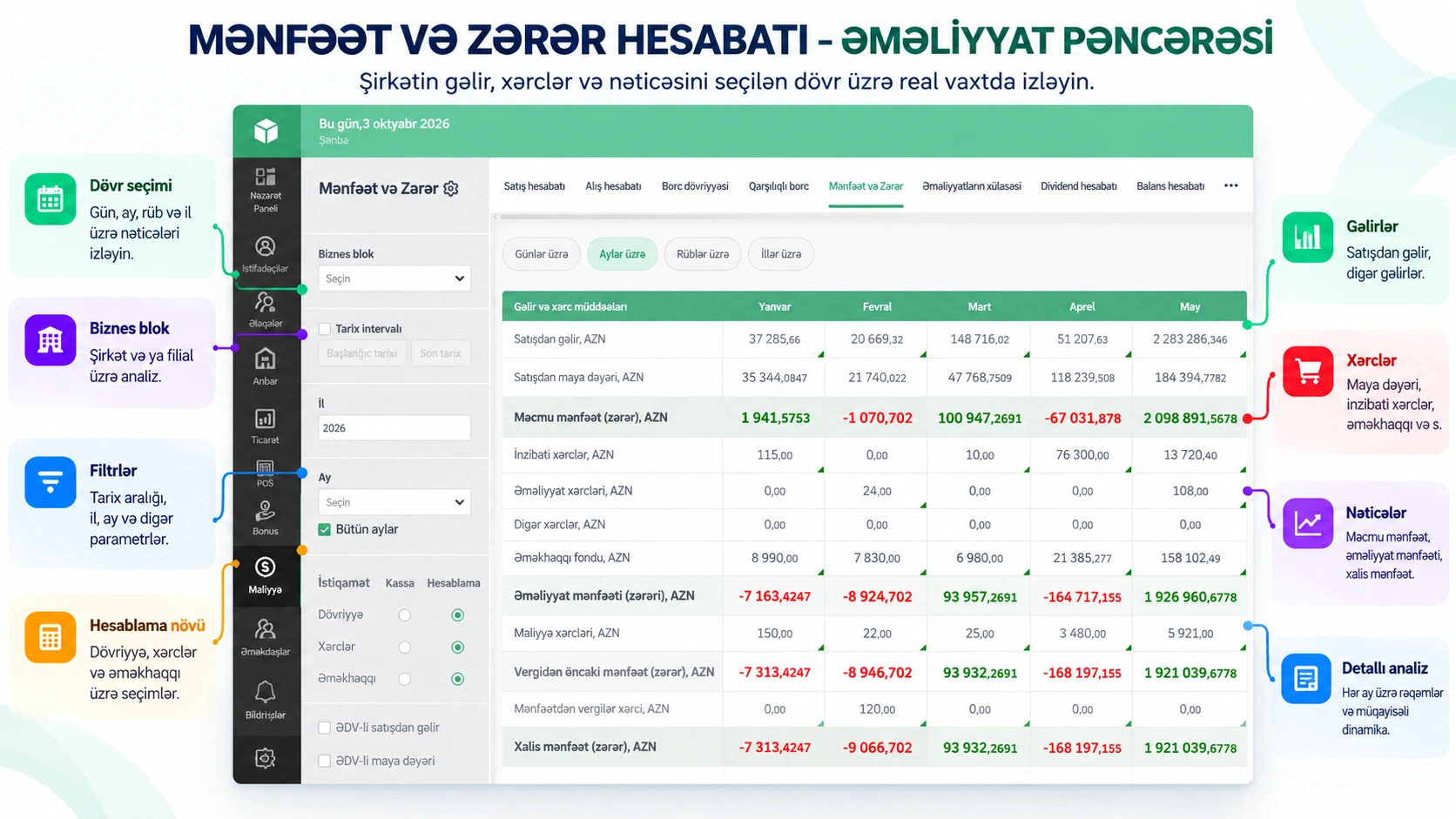
The profit and loss report shows income, expenses and the net result for the period you choose. In Prospect Cloud ERP, you can get it by day, month, quarter and year. You compare periods to see whether sales are turning into profit.
Three key reports complement each other
- Cash flow: where your money comes from and where it goes. Incoming and outgoing funds and cash balances.
- Balance sheet: your assets, liabilities and equity together.
- Profit and loss: income, expenses and net result.
A business can be profitable yet have an empty till because its money is tied up in unpaid debts. That is why the three reports need to be read together. In Prospect Cloud ERP, all three come from one system.
Which products make money and which do not
The overall profit figure says little on its own. The real questions are:
- Which product group earns the most?
- Which customer buys a lot but brings in little profit?
- Which warehouse or branch is profitable?
- Which manager's sales are profitable?
In Prospect Cloud ERP, the breakdown of sales by product, customer, warehouse and manager shows which areas are making money. Expenses are tracked separately by expense item.
Keep the numbers visible every day
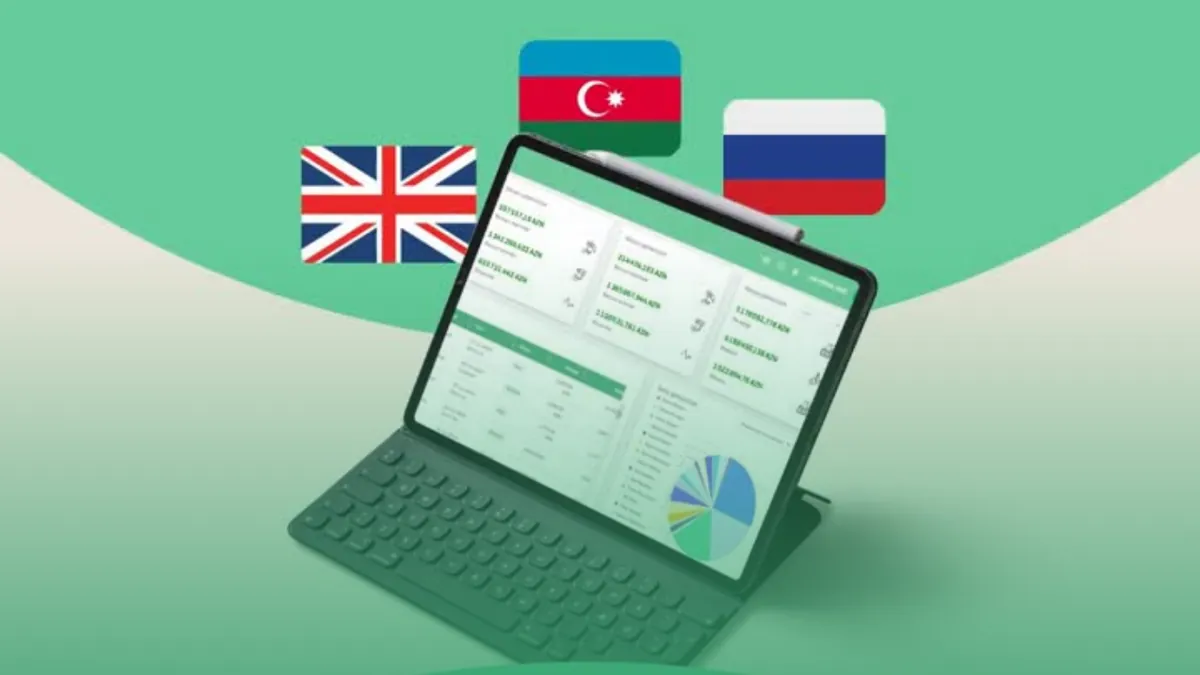
When the report is prepared at the end of the month, decisions come late. The dashboard shows sales turnover, profit, margin and cash balance for today, this week and this month. If you have several companies or branches, the Business block filter lets you view each one separately. Because the system runs in the cloud, you can also see these figures outside the office, on your phone.
Local conditions are taken into account
VAT, road tax, and settlements in manat and foreign currencies are taken into account in the system. For businesses that work with imports in particular, this means the result is calculated correctly.
Conclusion
The profit and loss report answers the business owner's question not "are we selling?" but "are we earning?". When you read it together with cash flow and the balance sheet, the real state of the business becomes clear. We prepare your first reports together with you and teach you to read the results correctly. For a free introduction: +994 77 277 61 77.