Why switching feels risky
Excel is familiar, and every employee knows it a little. ERP is a new system, and the first questions that come to a business owner's mind are these: will years of accumulated data be lost, will employees be able to learn it, will sales stop during the switch? These concerns are valid, and each of them is solved with the right plan.
The hidden cost of staying in Excel
- The same data is duplicated across several files, and it is unclear which one is correct.
- Someone spends hours merging spreadsheets to prepare a report.
- The file is on one person's computer; if that person is away, so is the data.
- It is impossible to see who changed what.
4 steps of the switch
In Prospect Cloud ERP, the switch follows this sequence:
- Needs discussion: we identify your line of business, your current processes and the challenges you want to solve.
- Personalized presentation: we show operations and reports suited to your team using a real business scenario.
- Training and implementation: we prepare the data, implement the system and train employees on real work examples.
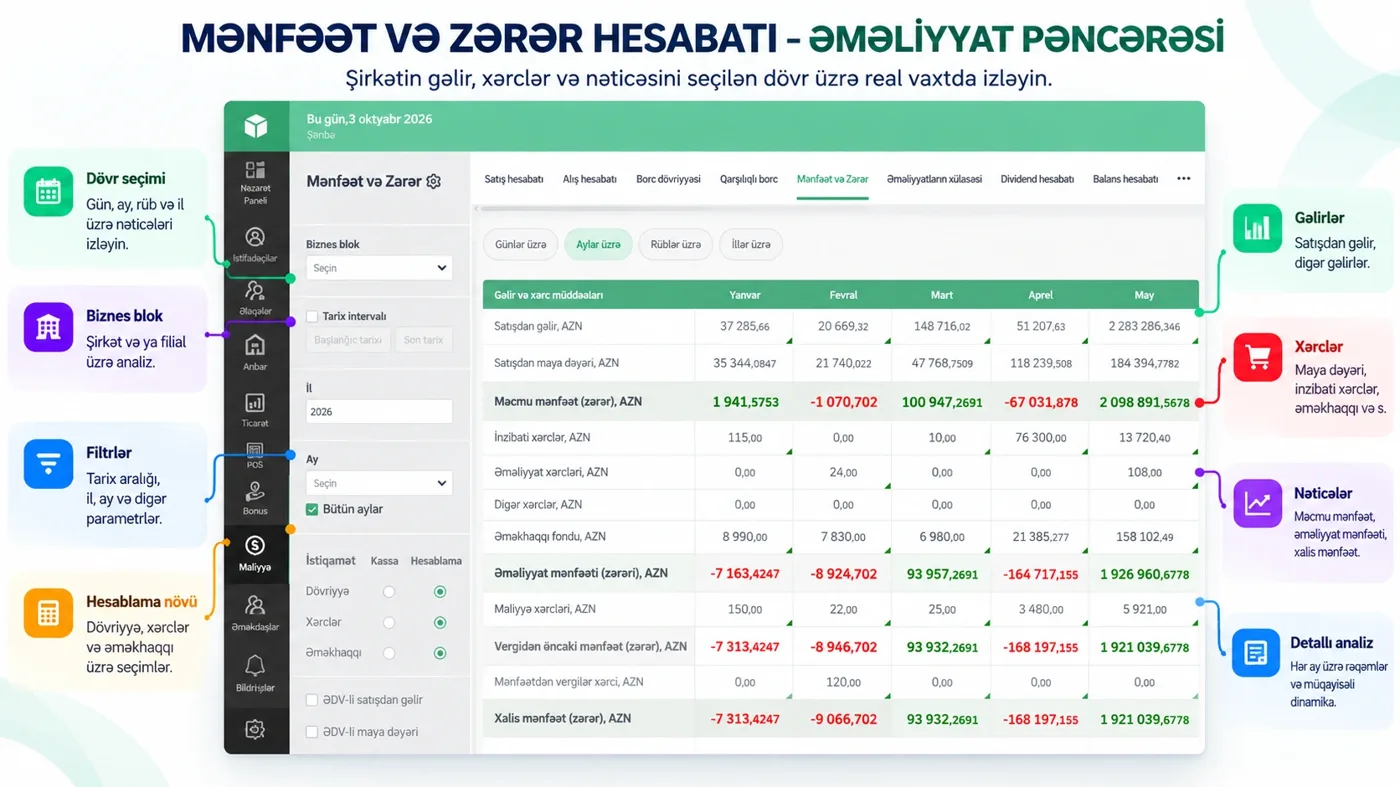
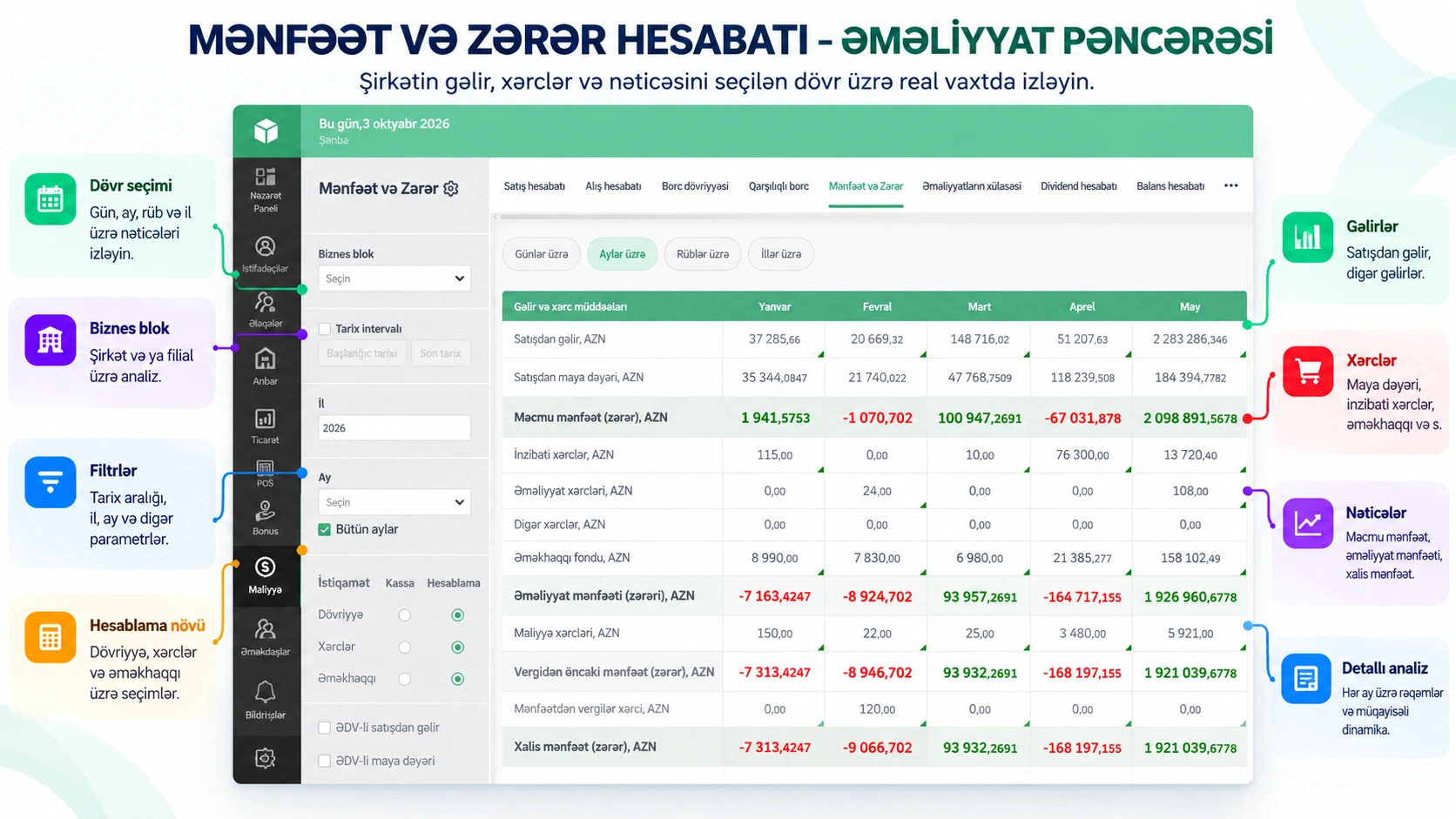
- First report: together we prepare sales, cash flow and profit indicators, and teach you to read the results correctly.
How data is transferred
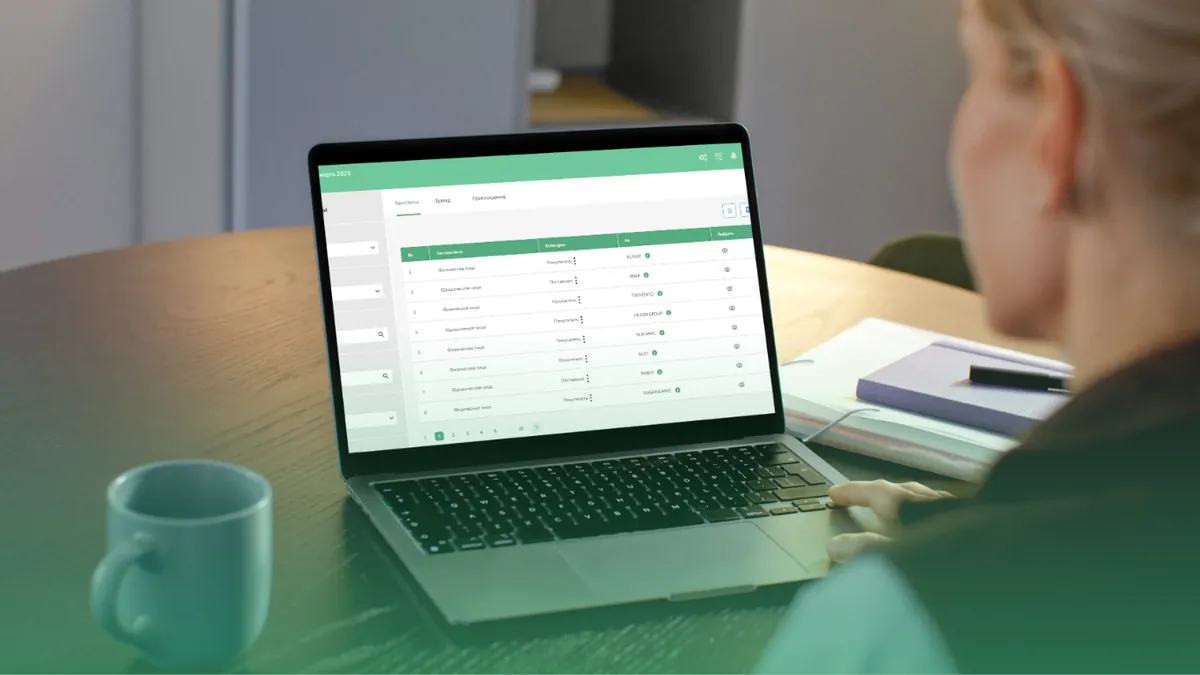
Excel import is available, and the file structure and data consistency are checked during implementation. Smart Import enters sales, purchase and import data into the system from Excel, PDF and JPG documents. That means you do not have to retype invoices by hand. The Prospect team guides you while the initial data is prepared.
How employees learn
Training is industry-specific: it is adapted to the workflow of retail, wholesale, manufacturing and other sectors. Video and written guides make it easy to go over the material again, practical assignments are checked, and mistakes are corrected together. At the end of the training, employees receive a certificate. For later questions, there is phone support, training videos and Prospect AI Support.
Do you need a server or installation?
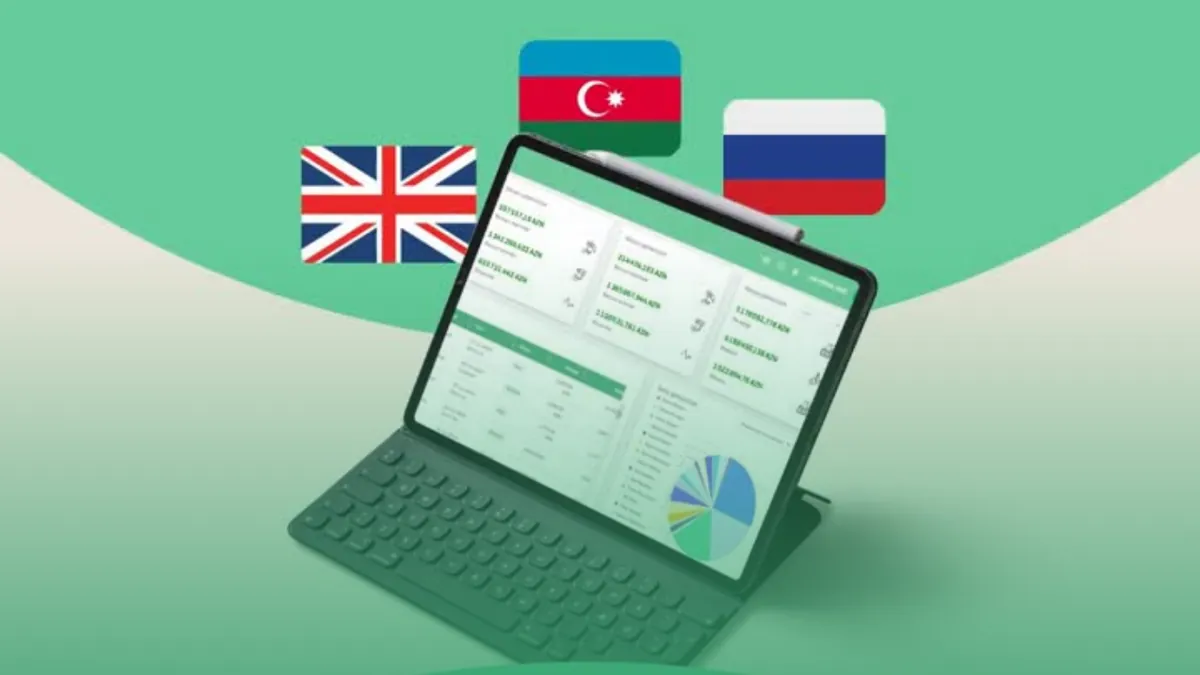
No. Prospect Cloud ERP runs in the cloud: you log in through a browser from a computer, tablet or phone. You do not need to buy a server, install software or keep track of updates; the Prospect team takes care of that.
After the switch
The work does not end once the system is set up. On an agreed schedule, we check that the system is being used correctly and provide support with any necessary adjustments. This way, the software does not sit on the shelf but becomes part of daily work.
Conclusion
Switching from Excel to ERP is not a one-day job, but with the right plan no data is lost and work does not stop. You can try Prospect Cloud ERP free for 1 month. In a free 20–30 minute introduction, we will assess together whether your business is ready for the switch: +994 77 277 61 77.