Where Excel reaches its limit
Many businesses start inventory tracking in Excel, and at the early stage that is normal. The problem appears as the business grows. If two or three of the signs below apply to you, the spreadsheet can no longer handle your work:
- A sale was made, but the stock balance in the spreadsheet did not change because someone forgot to enter it.
- There are several versions of the same file, and it is unclear which one is correct.
- During a stock count, the actual goods do not match the spreadsheet, and the reason for the difference cannot be found.
- When goods are moved from one warehouse to another, the movement is not recorded anywhere.
- Goods reserved for a customer are sold to someone else by mistake.
What inventory software changes
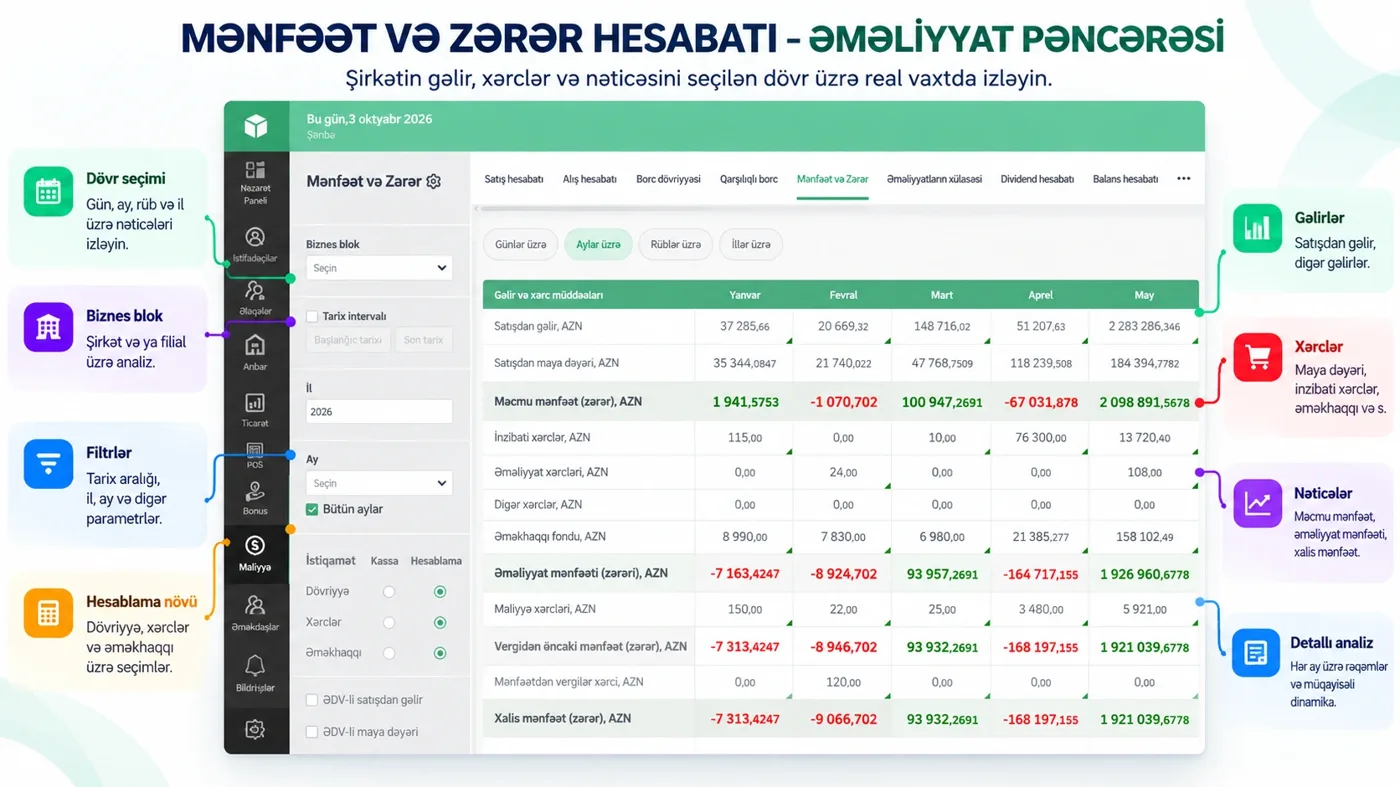
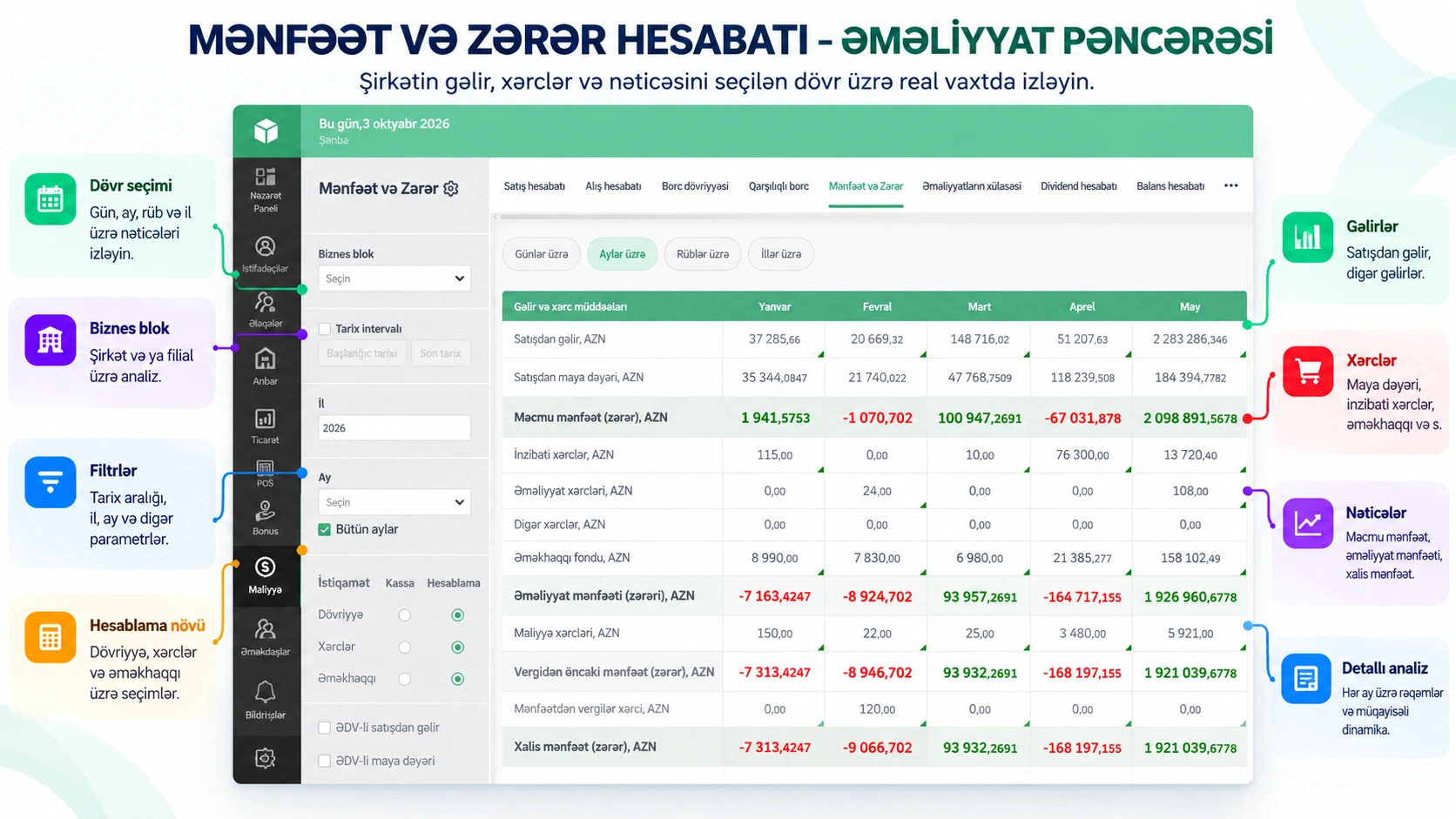
In inventory software, the stock balance is not entered separately: every purchase, sale and transfer document updates the balance itself. That is why the figure always reflects the latest transaction. In Prospect Cloud ERP, the warehouse section brings these tasks together in one place:
- Warehouse report: stock balance and movements for each warehouse. With the minimum stock filter, you can single out products that are running low.
- Stock count: the actual count is compared with the system, and surpluses and shortages are shown both in quantity and in value.
- Transfer: you move goods between warehouses, and every movement is recorded.
- Reservations and batches: you separately track goods reserved for orders and stock by batch.
Inventory does not live apart from sales
The real benefit of inventory software is that it is connected to sales and finance. When a sale is rung up at the checkout, the goods are automatically written off from the warehouse, and when a purchase invoice comes in, the stock balance increases. Management, in turn, sees sales turnover, profit and cash balance at the same time on the dashboard. In phone stores, sales are tracked by IMEI and serial number, which makes the path of every device transparent.
Your Excel data is not lost
This is the most common question during the switch: what do we do with the spreadsheets built up over the years? Prospect Cloud ERP has Excel import, and the file structure is checked during implementation. Smart Import transfers purchase and import invoices into the system from Excel, PDF and even images. The Prospect team guides you in preparing the initial data.
What to look for when choosing software
- Does the stock balance change in real time or at the end of the day?
- Can you view several warehouses and branches separately as well as together?
- Is the stock count difference shown in monetary value?
- Does the software work with the cash register and electronic scales?
- Can you check stock balances from your phone and outside the office?
- Who is responsible for setup, training and support?
Conclusion
Excel is a good start for a small warehouse, but as the number of warehouses and products grows, so does the cost of mistakes. Inventory software calculates the stock balance from the transactions themselves and lets management check it from anywhere. You can try Prospect Cloud ERP free for 1 month. In a free 20–30 minute introduction, we show the operations and reports that fit your warehouse: +994 77 277 61 77.