What happens when the cash register and inventory are separate
In many stores, the cash register lives in one world, while inventory tracking and reports live in another. As a result, the same sale is entered twice or not at all. At the end of the day, the cash in the register, the stock balance and the sales report do not match, and finding the difference takes hours.
What integration means
When the cash register is integrated with ERP, a sale is rung up once and flows everywhere on its own:
- The goods are written off from the stock balance.
- Sales turnover and profit appear in reports.
- Cash register shifts are managed in the system, and X and Z reports are available.
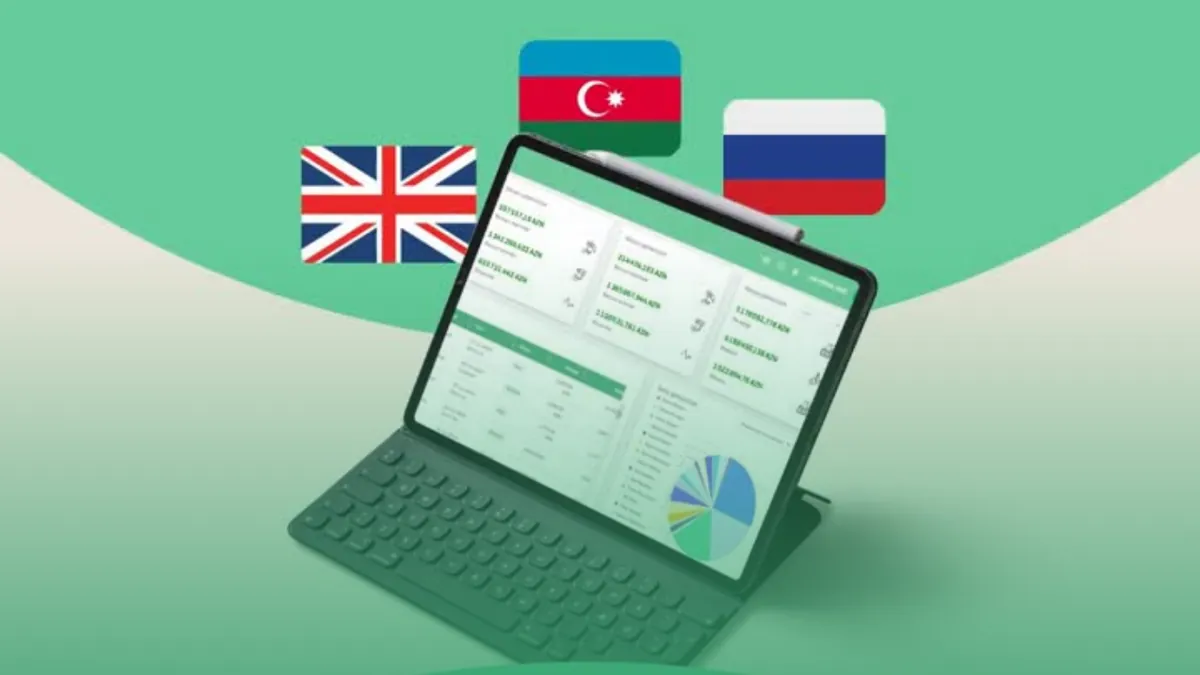
Prospect Cloud ERP's e-cash register integration is ready, so sales go through quickly and without errors.
Weighed goods and electronic scales
For stores selling groceries, fruit and vegetables, meat and other goods sold by weight, scales are a separate problem. Prospect Cloud ERP sends product and PLU data to electronic scales. Prices and product names are not typed into the scales by hand, which reduces the chance of errors.
Wholesale and retail in one system
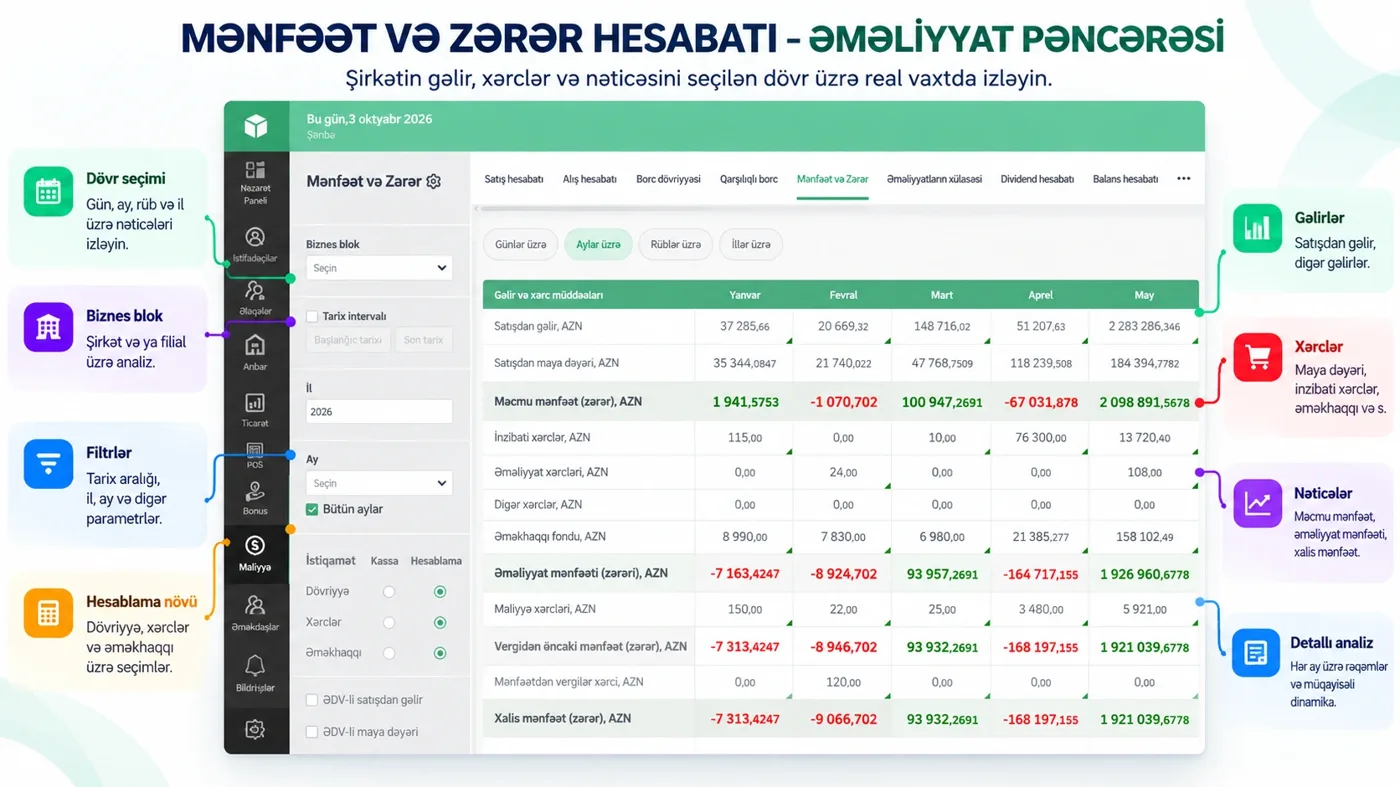
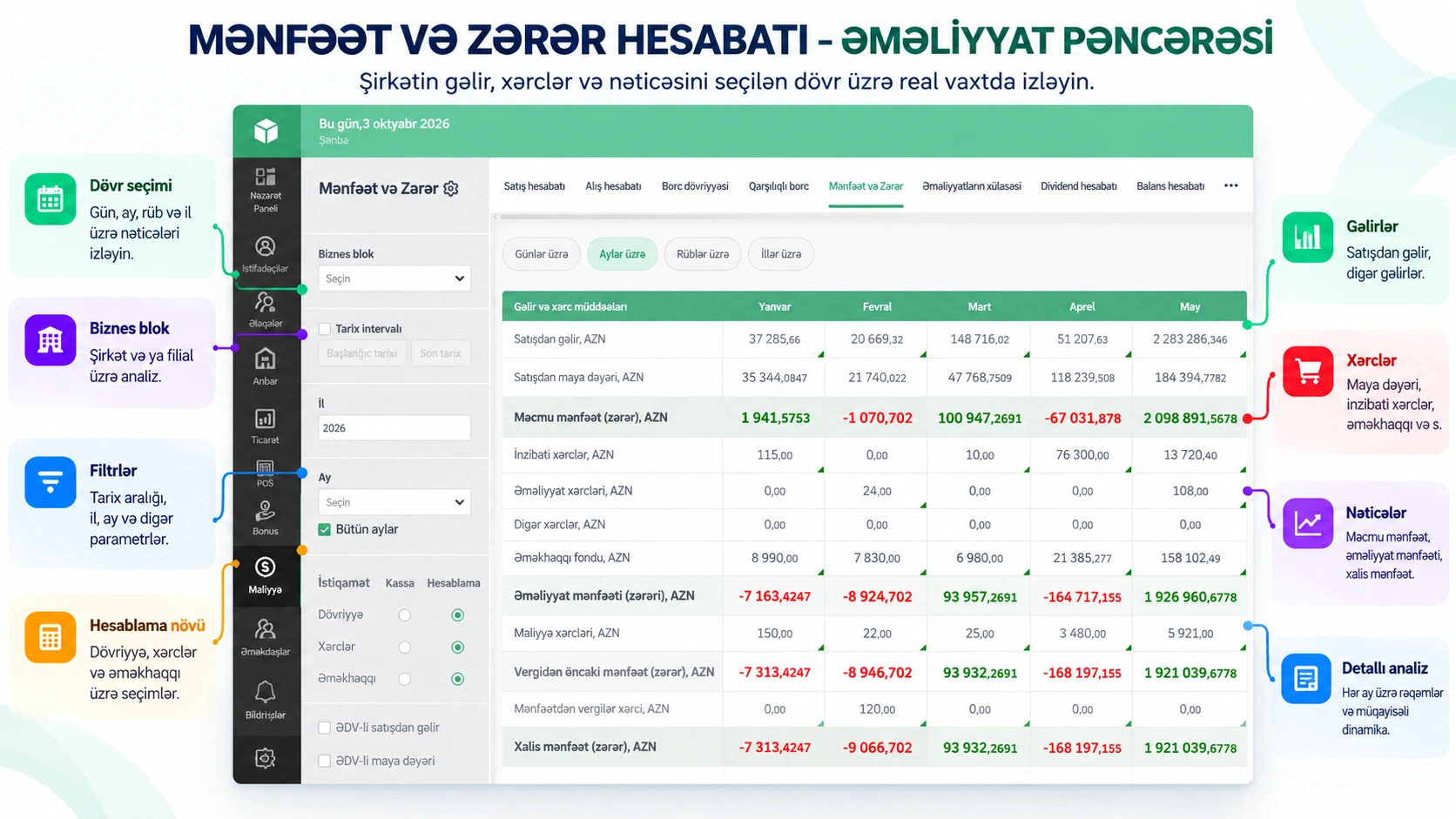
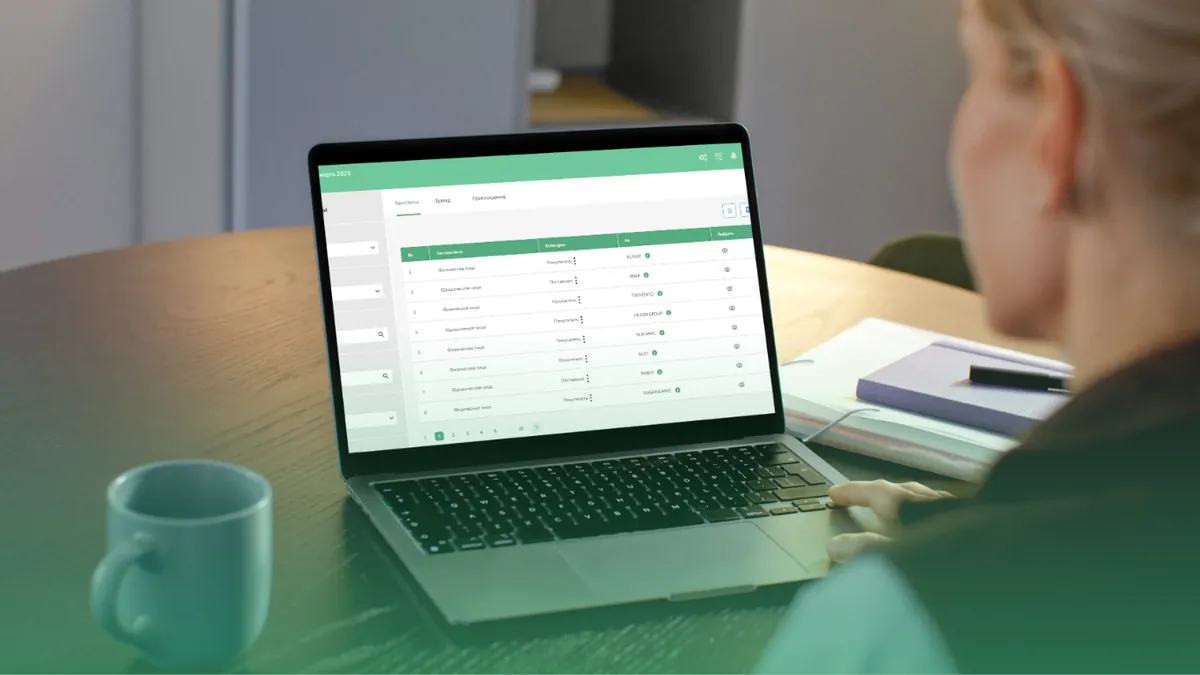
Many businesses sell both retail and wholesale, and each has its own price. The system lets you work with different price types. The sales report breaks sales down by manager, customer, warehouse, product, agent and price type. If you have several branches, the Business block filter lets you view each branch's sales separately or all of them together.
Credit sales and debt reminders
In a store that sells on credit and in installments, you cannot keep track of debts from memory. The system has a payment schedule that clearly shows which payments are due and which are overdue. Debt reminders go to the customer via WhatsApp or SMS. Management sees important sales and payments instantly in Telegram.
Checklist for a store
- Does a sale rung up at the checkout automatically update inventory?
- Can you get X and Z reports from the system?
- Does it work with electronic scales?
- Can you separate wholesale and retail prices?
- Are debts and payment dates tracked?
- Can management see today's sales without being in the store?
Conclusion
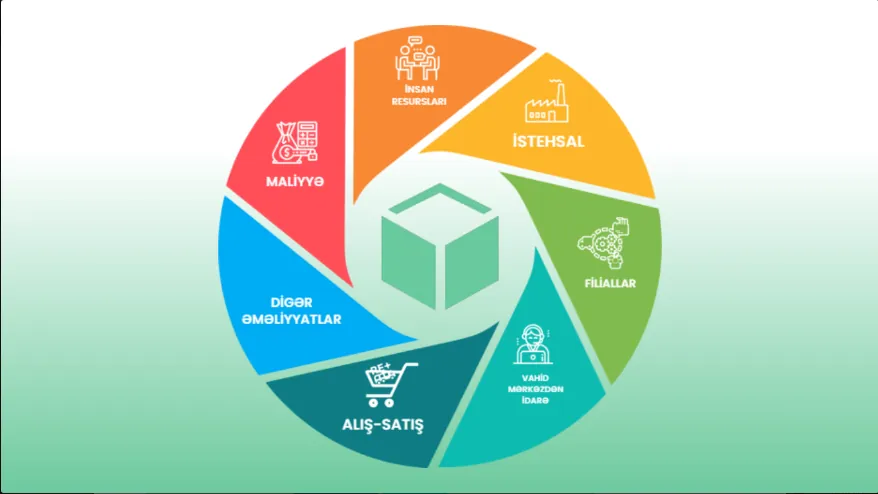
The value of POS software lies not only in printing receipts, but in connecting each sale to inventory, debts and reports at the same time. In Prospect Cloud ERP, this whole flow is in one system. In a free 20–30 minute introduction, we show a scenario suited to your store: +994 77 277 61 77.