Sales, but no cash
Selling on credit grows a business, but when left uncontrolled, it chokes the cash flow. Turnover looks high, but when salaries and supplier payments fall due, there is no money in the till. The reason is usually simple: who owes how much and which payments are already overdue cannot be seen in one place.
What are accounts receivable and accounts payable
- Accounts receivable: what customers owe you, that is, your future income.
- Accounts payable: what you owe your suppliers, that is, your future expenses.
It is important to see both together. If receivables are not collected, it becomes harder to find the money to pay your payables.
4 habits for controlling debts
- Set a credit limit for each customer. When the limit is exceeded, you need to see it at the moment of sale, not afterwards.
- Record the payment date together with the sale. For installment payments, each installment should have its own date.
- Measure delays in days. Saying "they owe us" is not enough; you need to know how many days the payment is overdue.
- Send reminders on time. Customers often forget a debt rather than deny it.
How debts appear in Prospect Cloud ERP
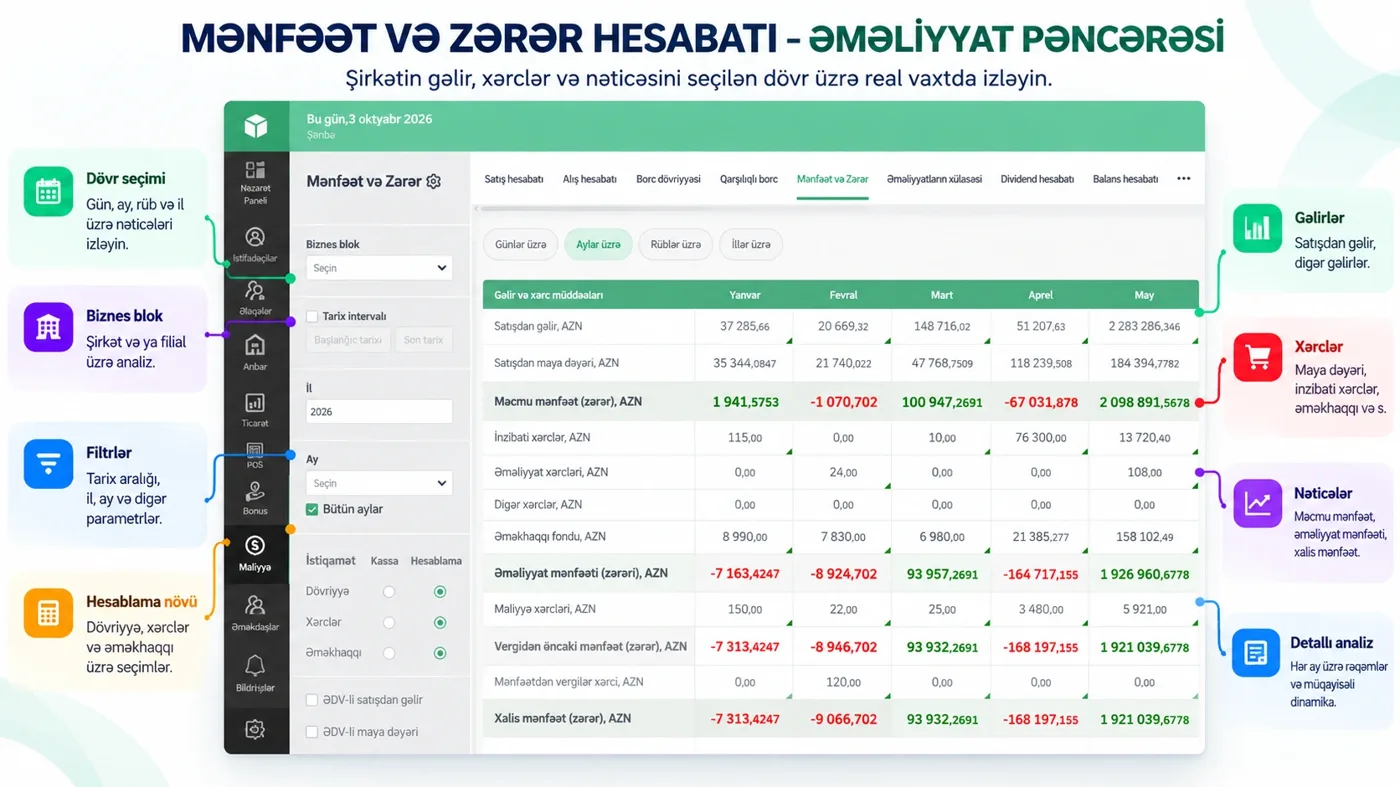
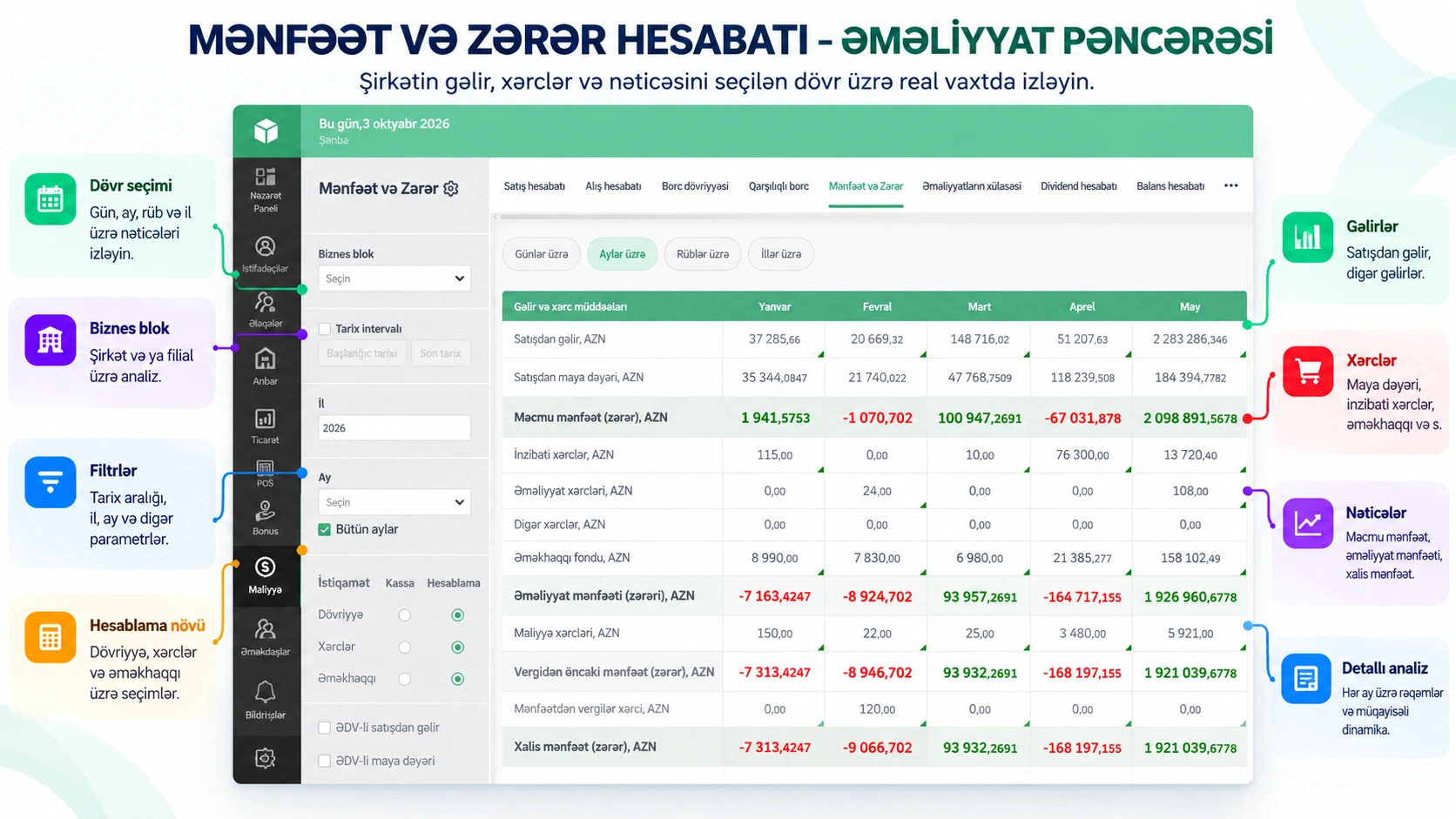
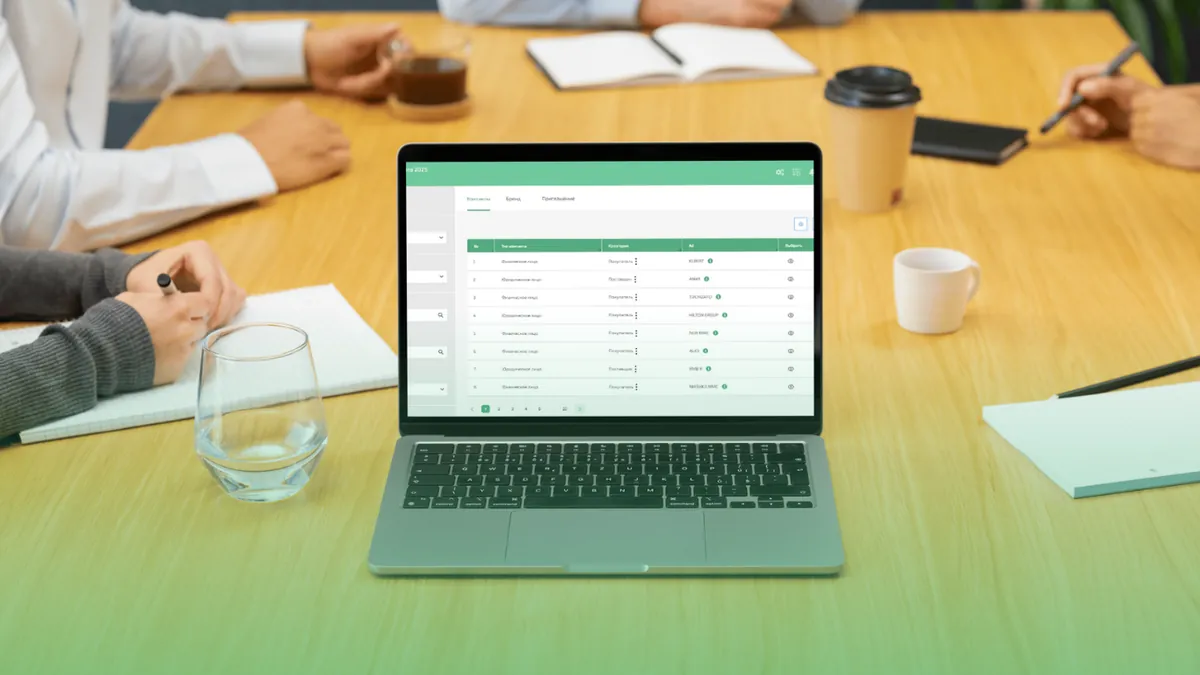
- Accounts receivable and payable: who owes you and whom you owe. You can see when a credit limit is exceeded.
- Overdue amount: the amount of debts past their due date and the number of days overdue.
- Payment schedule: which installment payments are due and which are overdue.
- Mutual settlements: the full picture of settlements with each customer and supplier.
On the dashboard, accounts receivable and payable, cash funds and sales are visible at a glance.
Let the system send the reminders
Reminding customers of debts by phone takes time and is easily forgotten. In Prospect Cloud ERP, debt reminders go to the customer via WhatsApp or SMS. Management receives notifications about due payments in Telegram and stays informed without logging into the system.
For businesses that work with contracts
In wholesale and project-based work, debt is often tied to a contract. The system shows each contract's execution status, its obligations, and the full or partial payment of the invoices linked to it. That way, debt disputes are settled with figures.
Conclusion
Controlling accounts receivable is not complex financial work: a limit, a date, days overdue and a timely reminder are enough. When you manage this not in a spreadsheet but in a system connected to sales, the figures are always up to date. In a free 20–30 minute introduction, we show how your debts will look in the system: +994 77 277 61 77.